Dust & scratches overlays
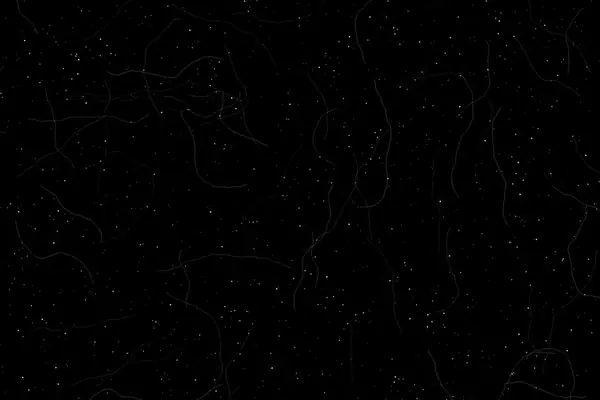
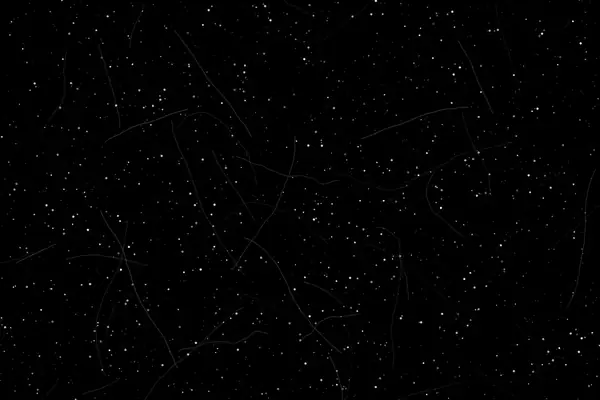
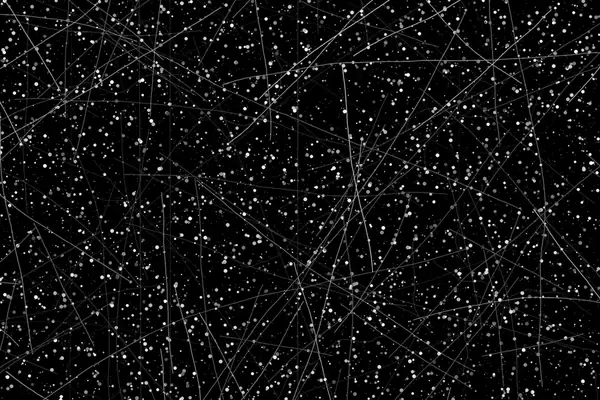
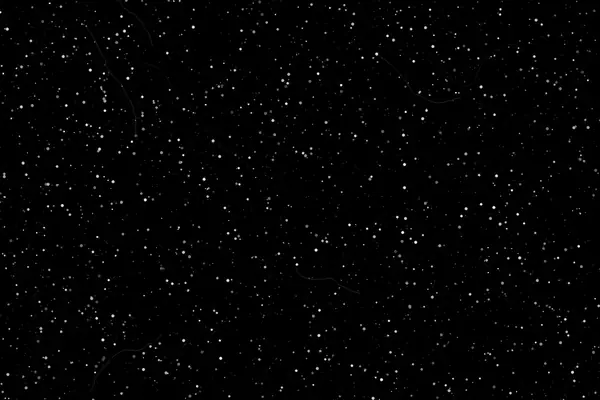
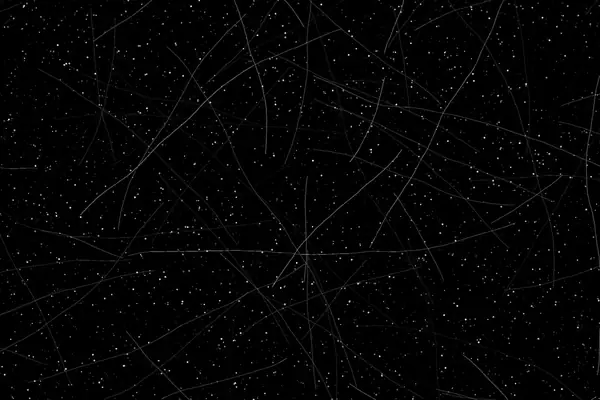
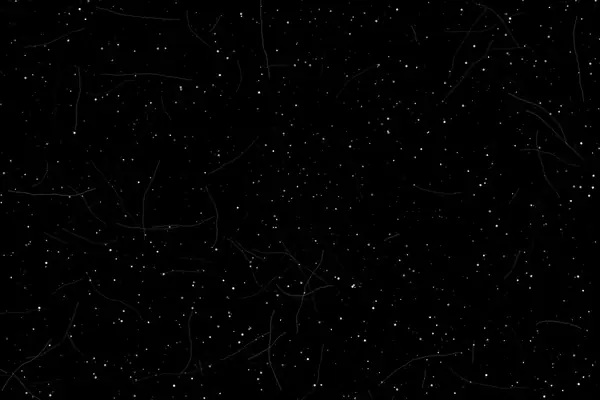
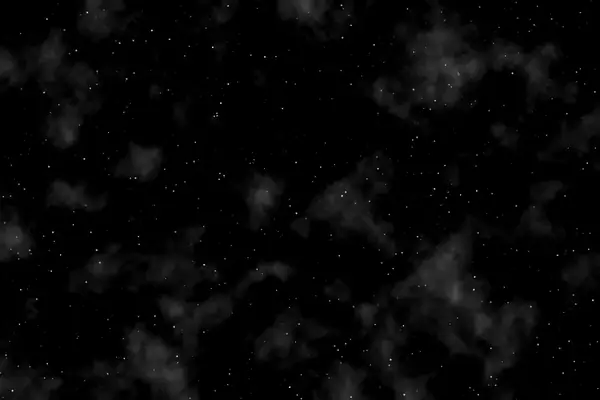
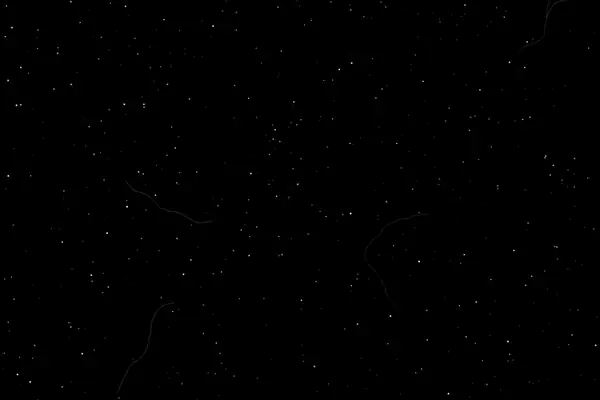
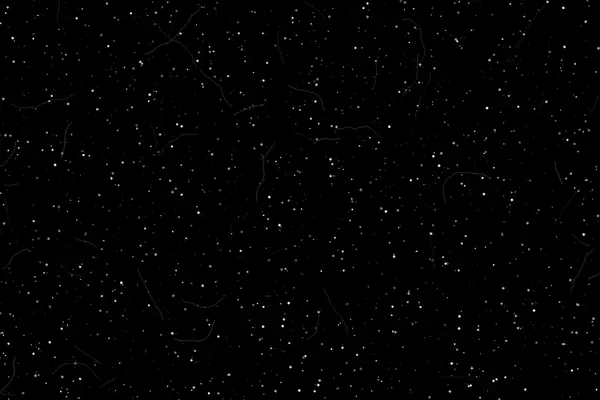
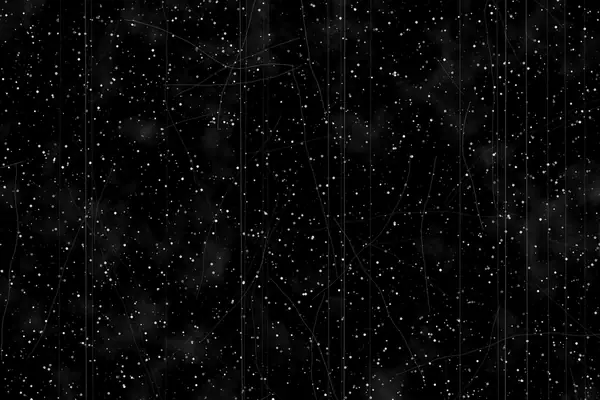
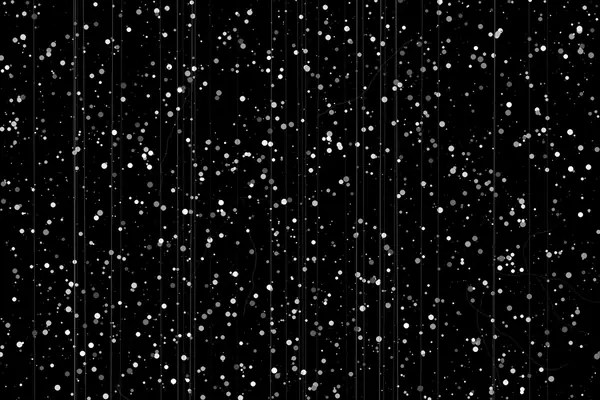
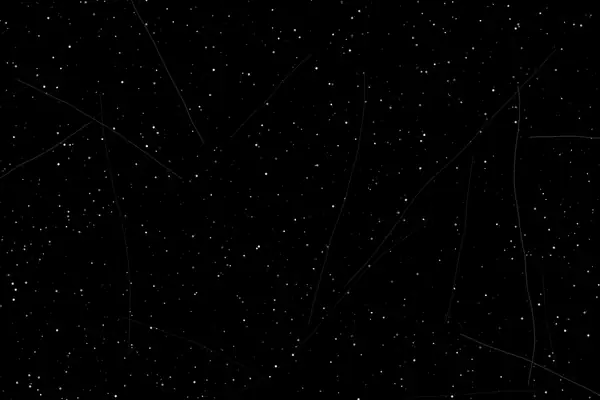
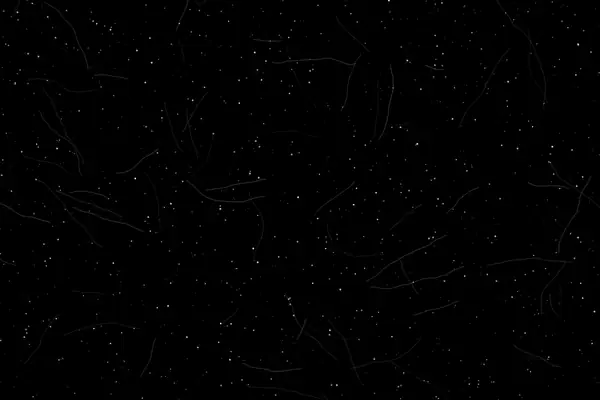
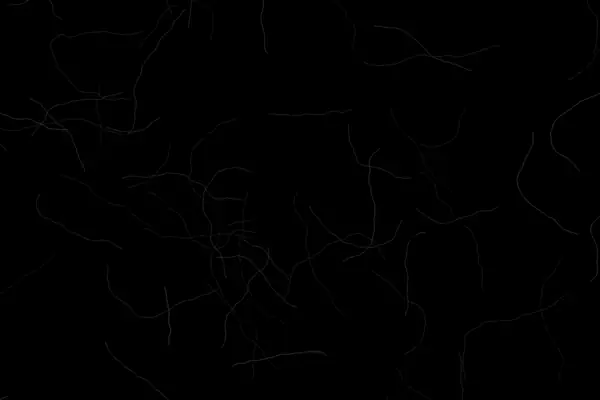
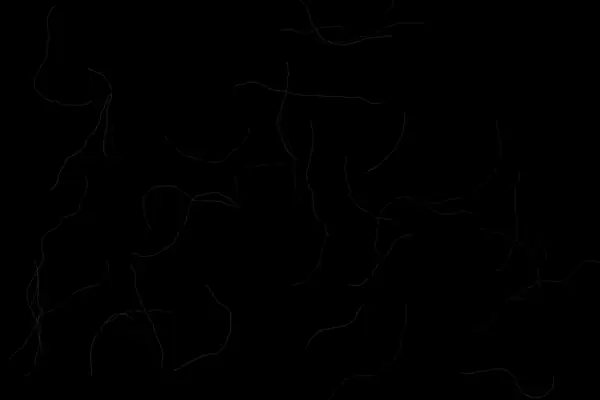
Real film collects dust, hair and scratches between the camera, the developer tank and the scanner. These plates recreate that damage as bright marks on pure black.
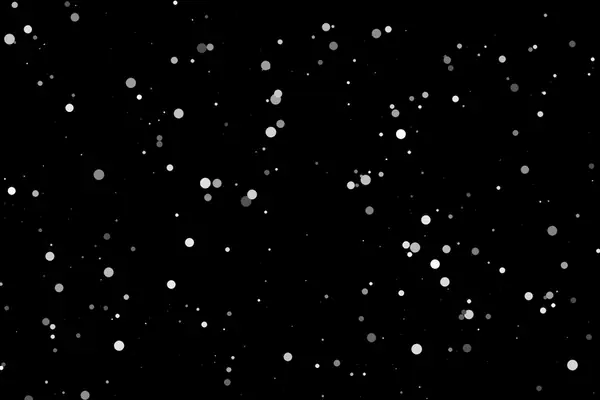
Dust and specks
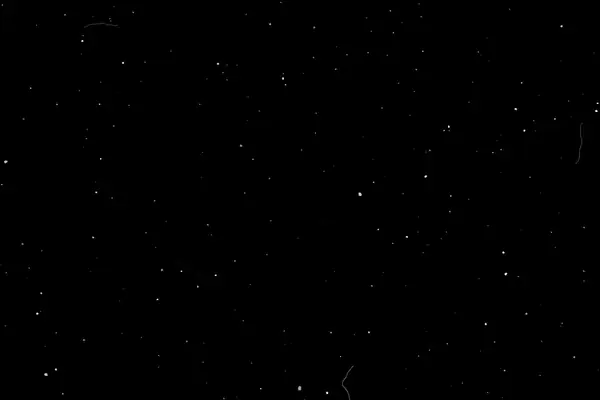
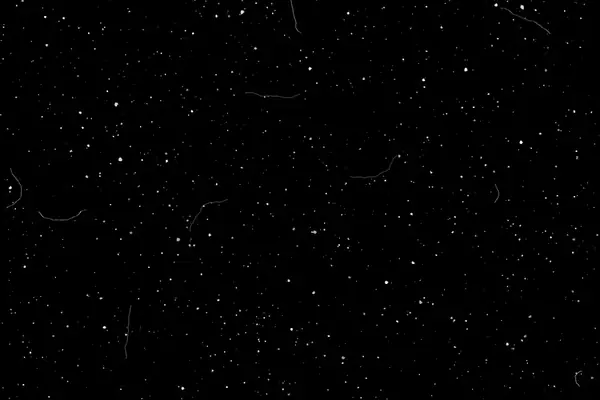
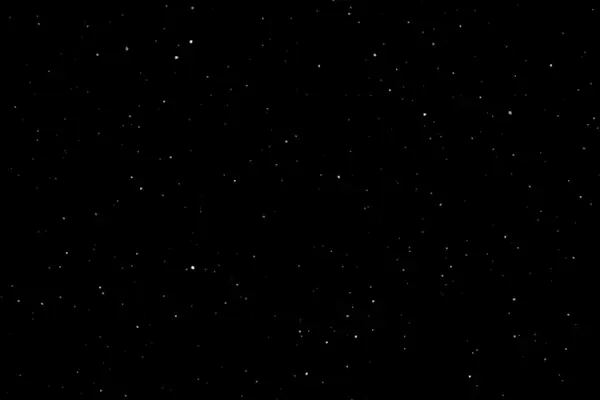
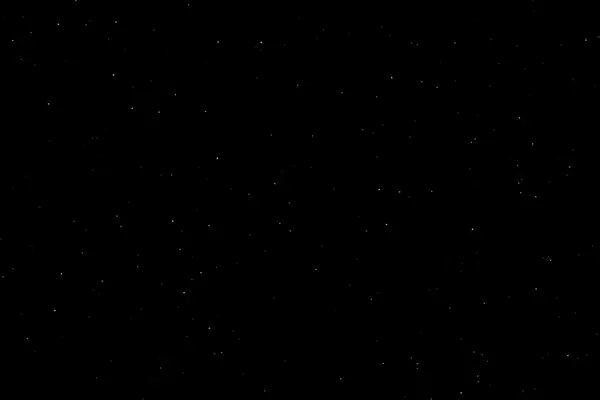
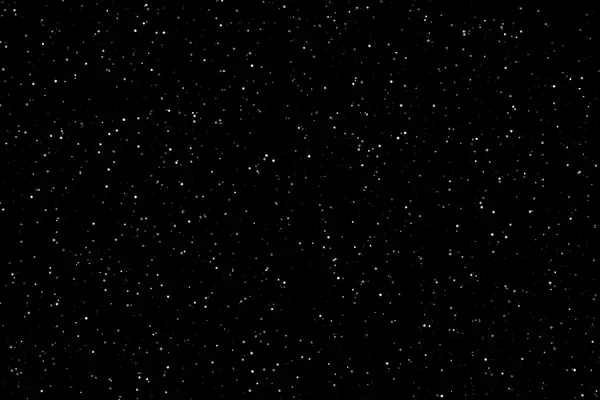
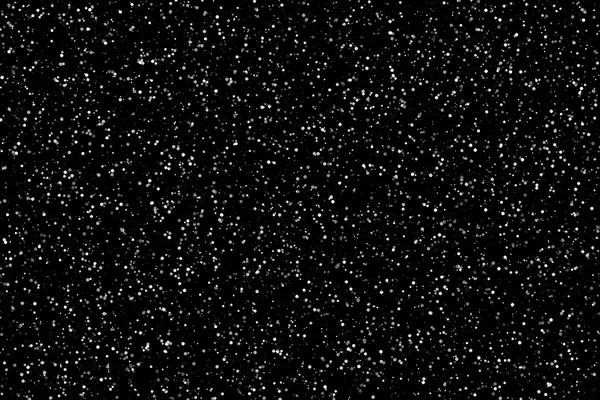
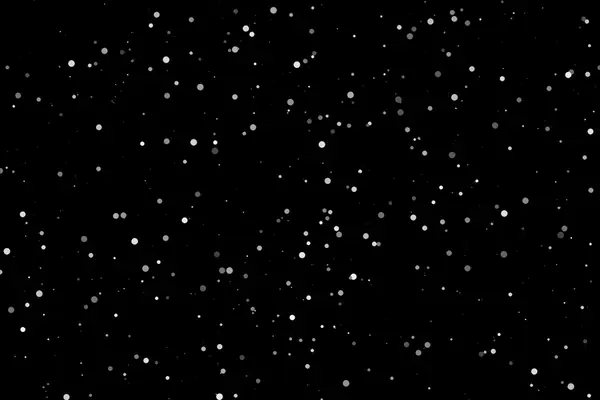
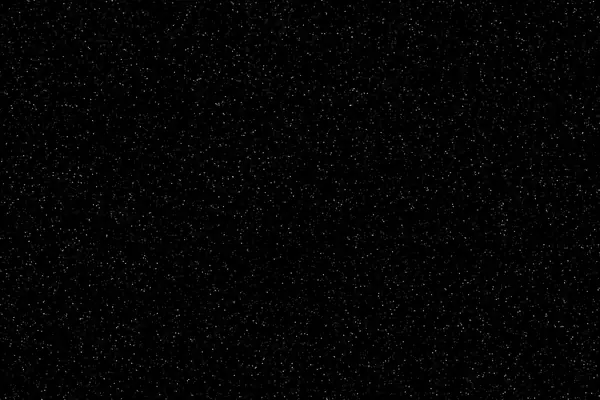
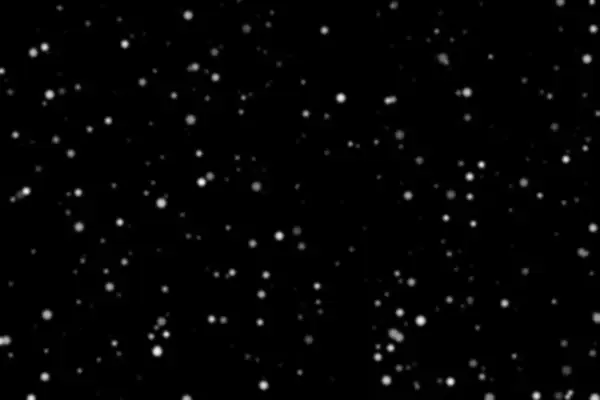
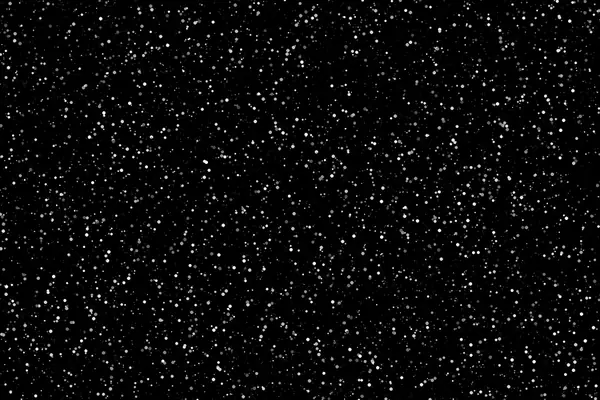
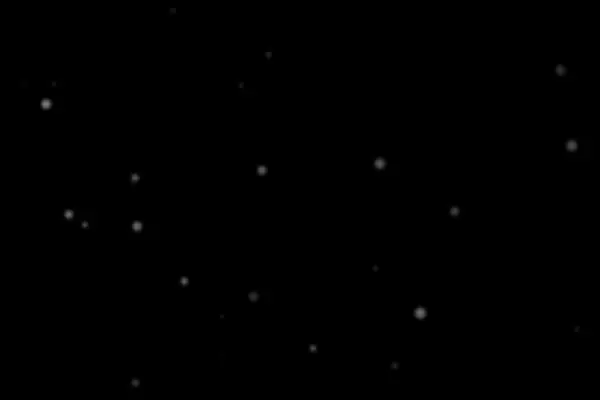
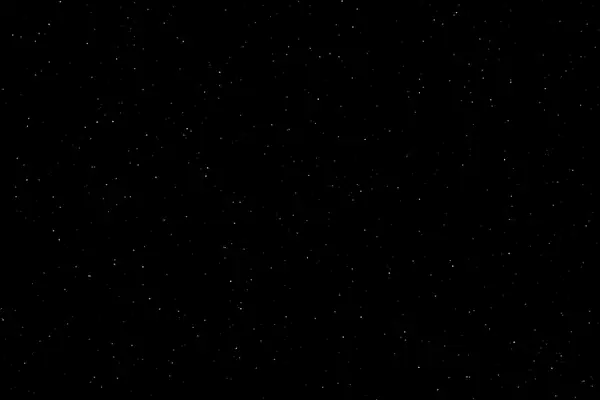
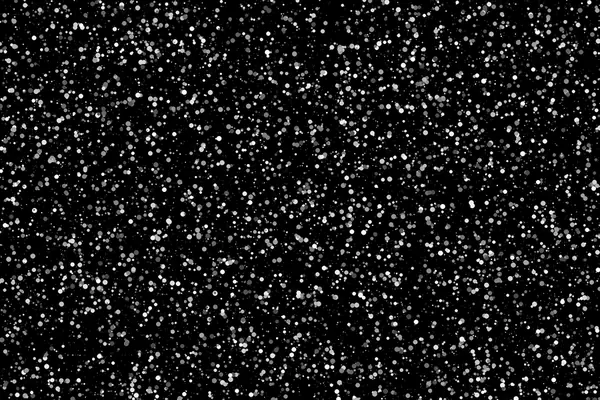
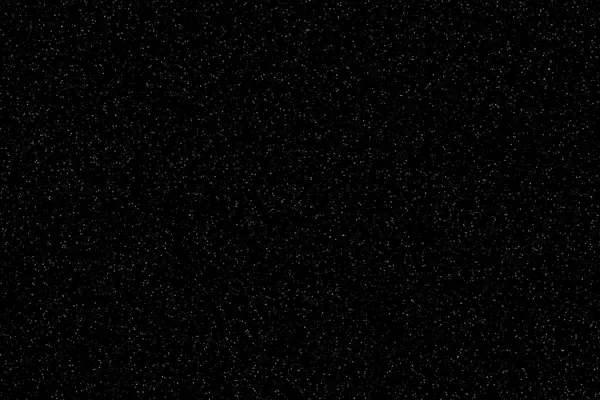
Only specks, from a few to thousands. The easiest way to make a clean file feel like a scan.
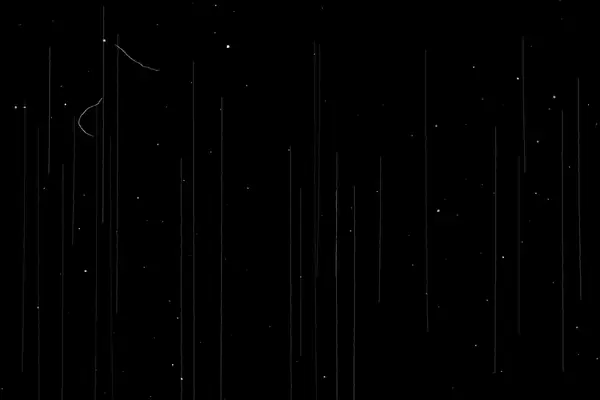
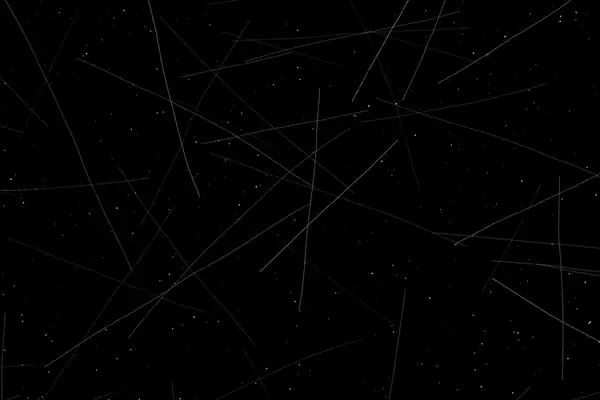
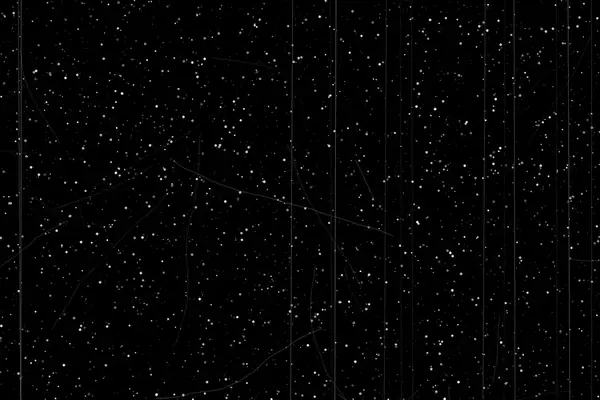
Scratches and lines
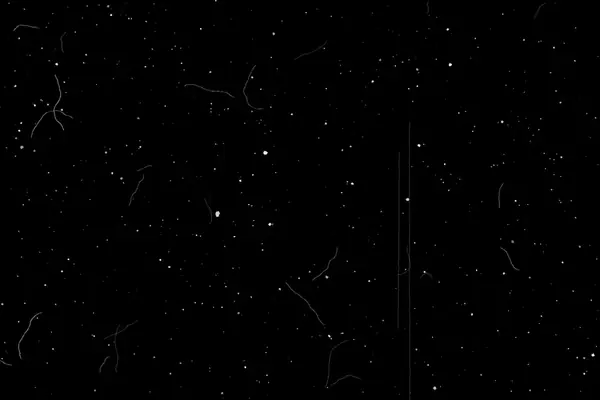
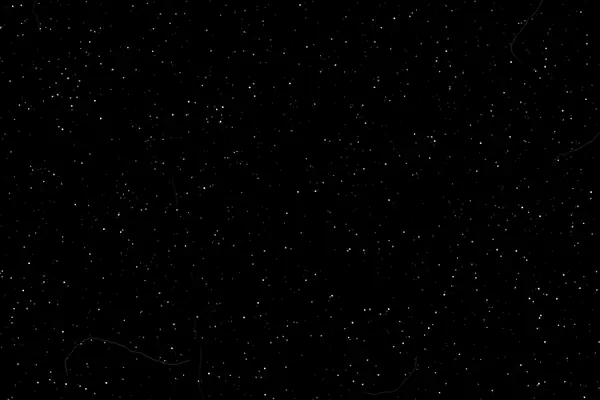
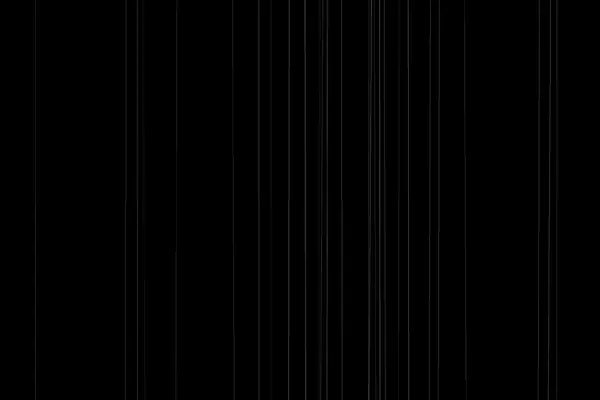
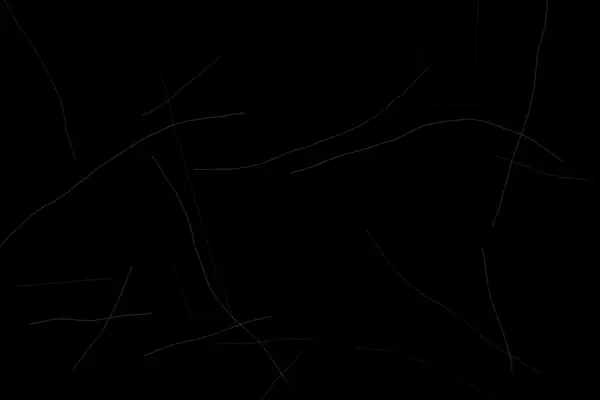
Fine, deep, curly and vertical scratches with little or no dust.
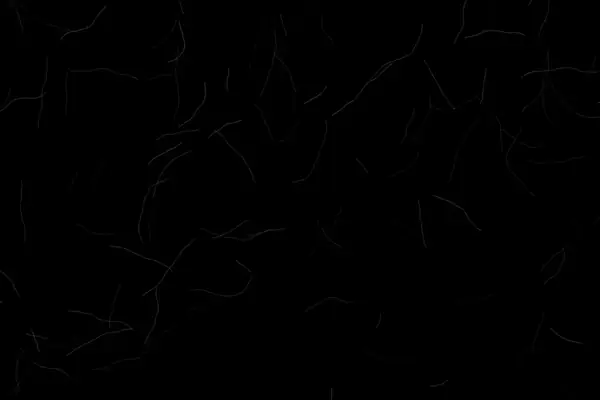
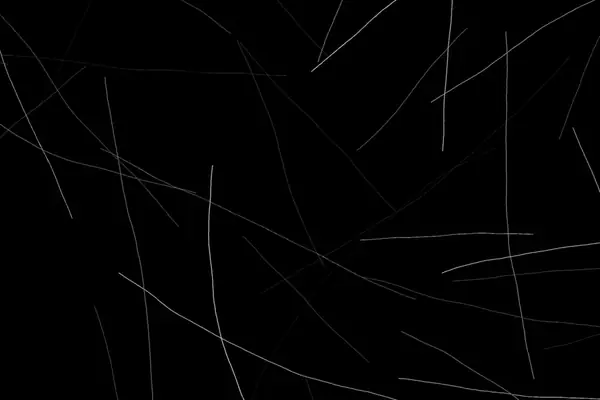

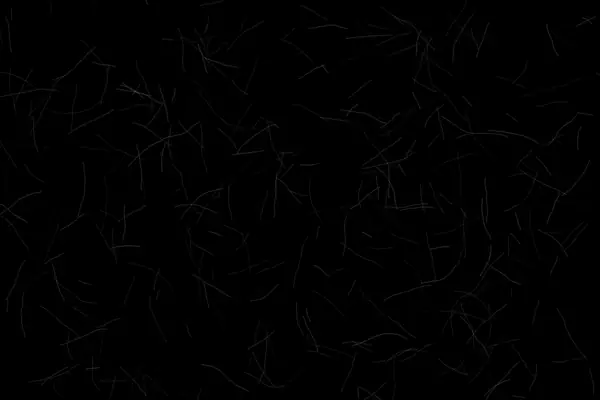

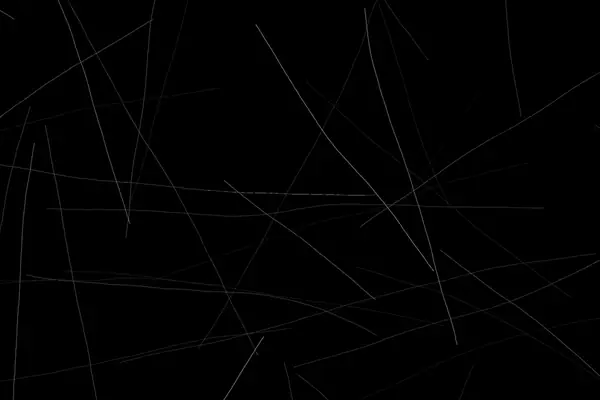
Hair and mixed damage
Hair, fibres, smears and full film damage in one layer.
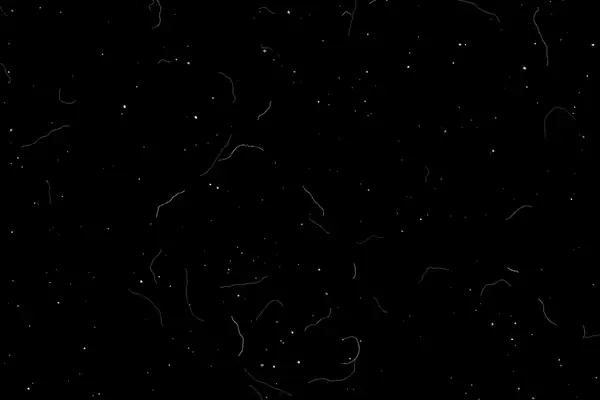
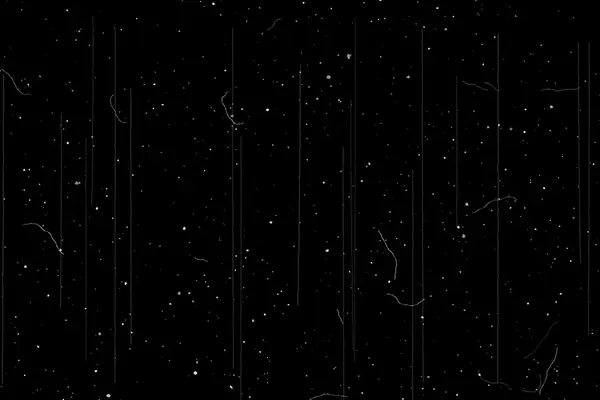
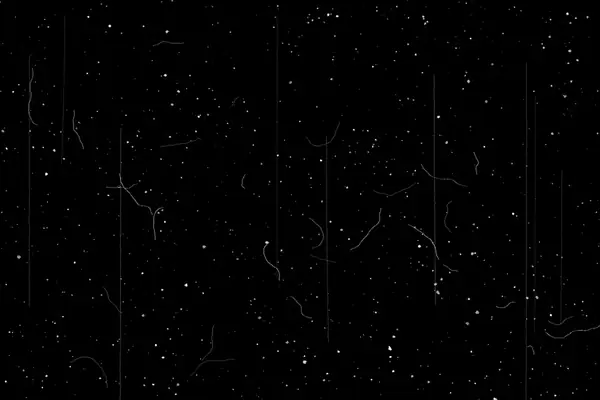

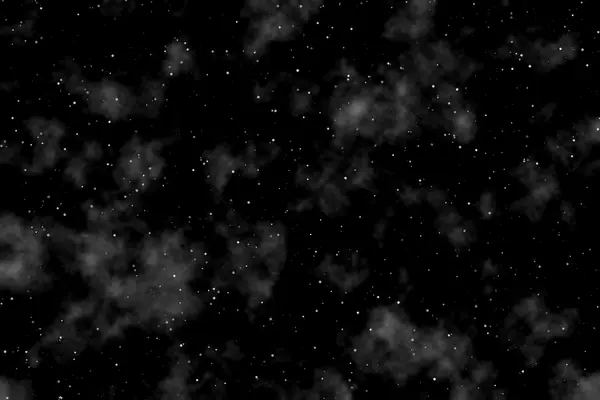
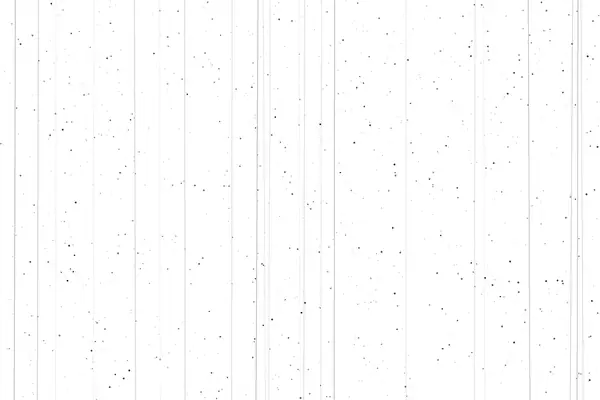
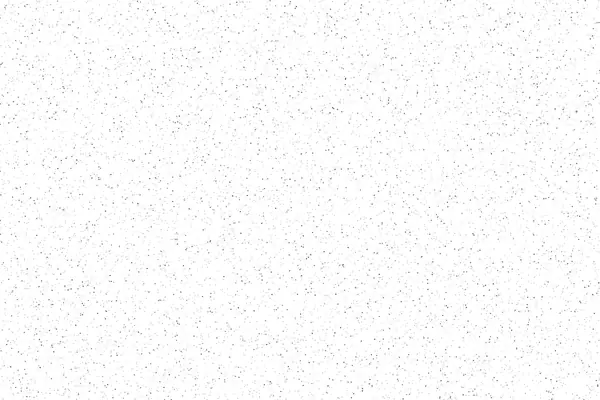
Dark dust for light images
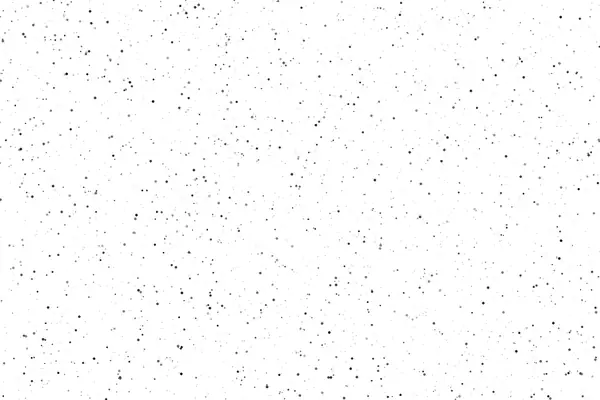
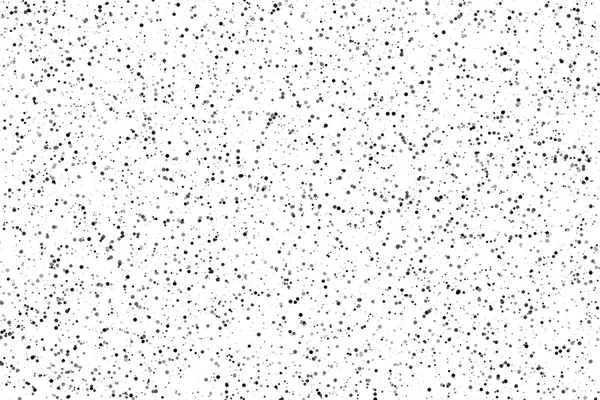
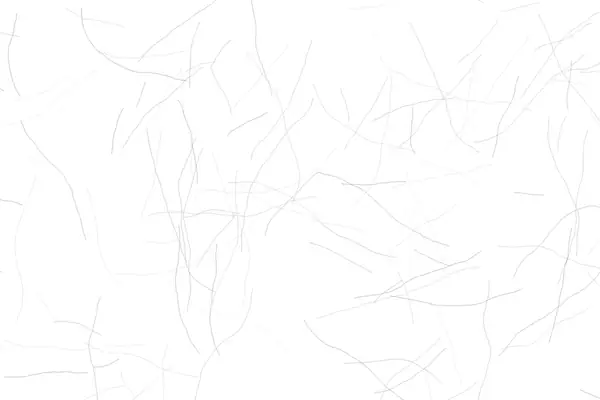
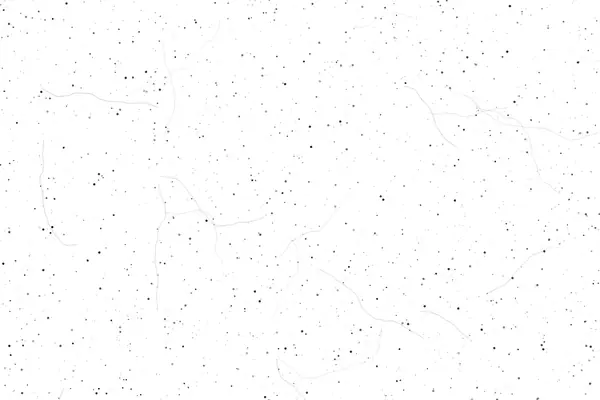
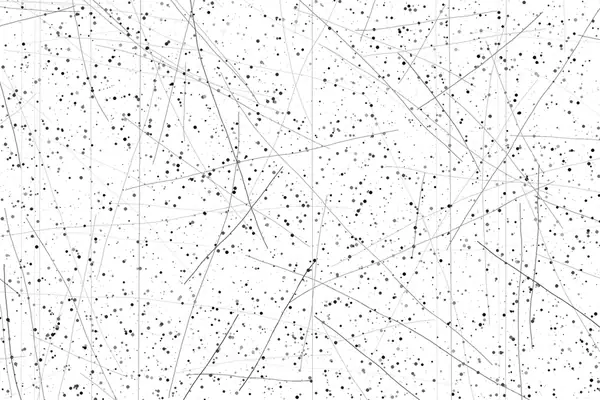
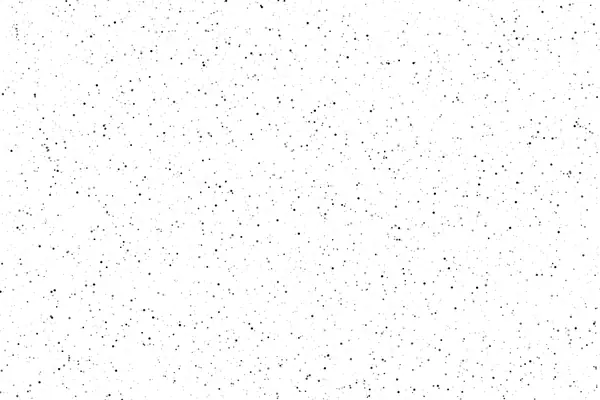
Black dust and scratches on white. Set them to Multiply: the white disappears and the marks stay.

Vertical and square
Dust and film damage in 9:16 and 1:1, ready for Stories, Reels and feed posts.
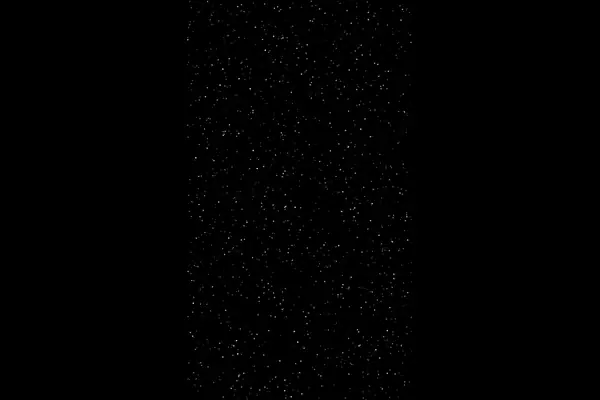
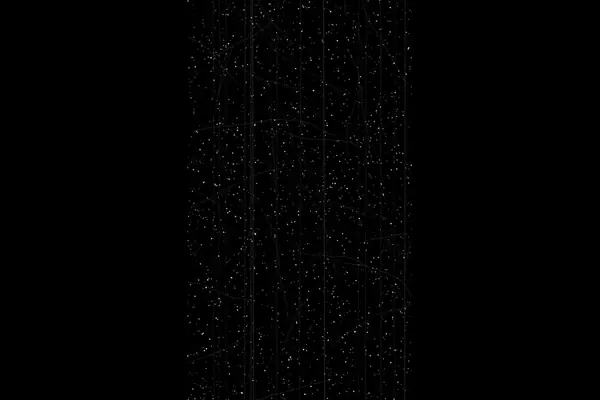
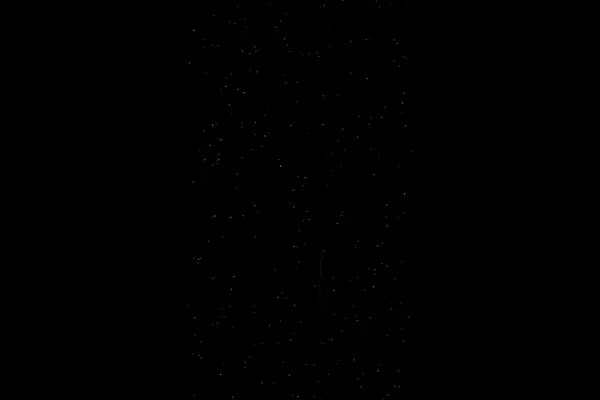
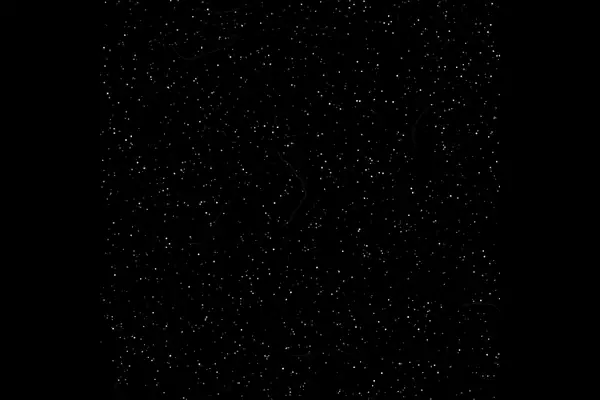
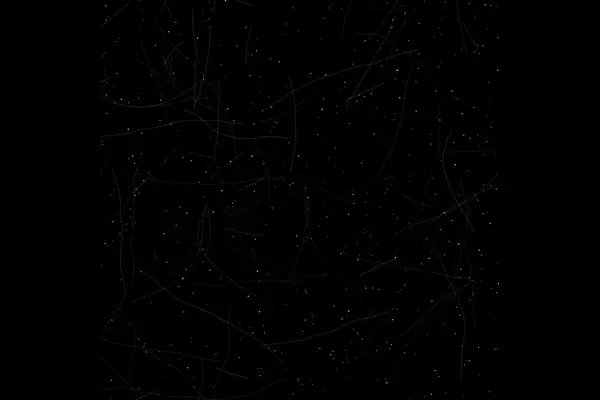
Pure black is the key. In Screen blend mode black disappears completely, so only the specks and lines land on your image. Nothing else changes.
Want dark dust instead of white? Invert the layer (Ctrl+I in Photoshop) and set it to Multiply. The black background turns white and disappears the same way.
Use a light plate for a clean scan that just feels analogue. Use the reel and damage plates when you want an image that looks like it was found in a drawer.