Technical data · FB-33
Download PNG · 0.6 MB
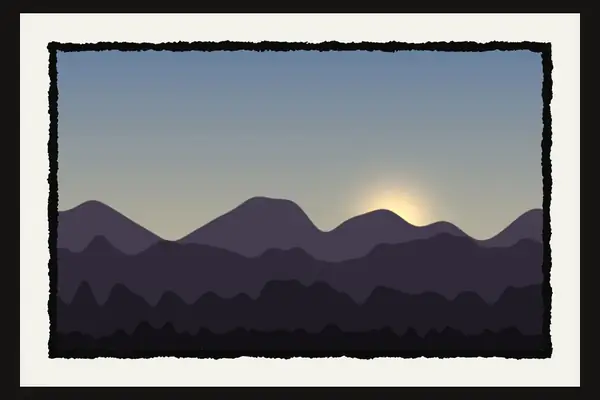
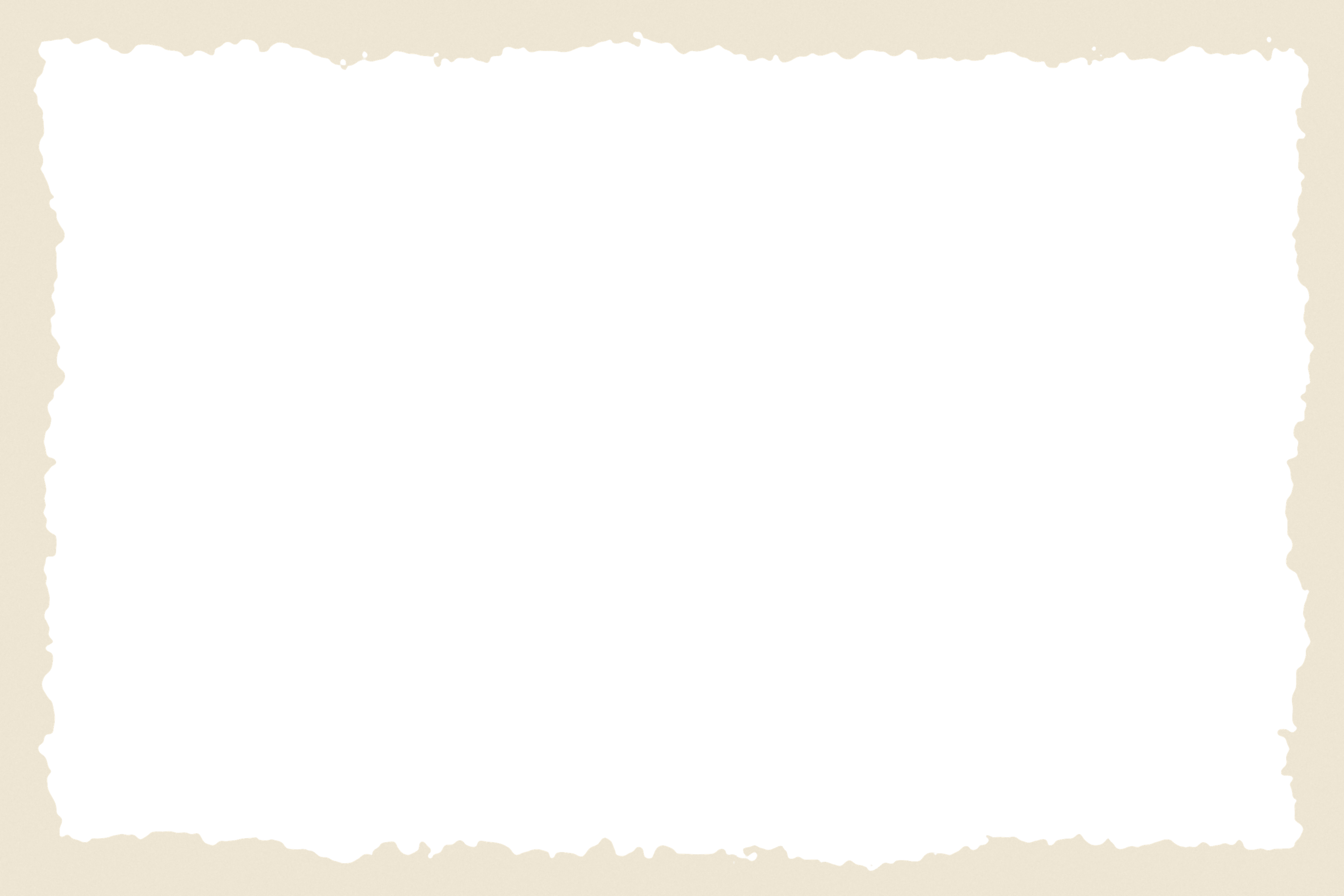
Rough edge border, cream
A cream border with a torn, painted edge. A warm grunge frame for vintage posters and soft layouts.
| Frame | FB-33 |
|---|---|
| Format | PNG, 3000 × 2000 px |
| File size | 0.6 MB |
| Blend mode | Normal |
| Opacity | 100% |
| Background | transparent window |
| Window | 3:2 |
| Look | grunge |
| License | Free, commercial use |
Free for personal and commercial use. No attribution required. Please do not re-upload the plates to other download sites.
How to use it
- Open the border PNG. This is your canvas.
- Drag your photo in and move its layer below the border layer.
- Press Ctrl+T and scale the photo until it fills the window.
- Keep the border on Normal at 100%.
- File → Open the border PNG.
- File → Open & Place your photo, then drag its layer under the border.
- Scale with Ctrl+T to fill the window and export.
- Open the border PNG, then File → Open as Layers for your photo.
- Lower the photo layer under the border in the Layers panel.
- Scale it with Shift+T and export.
- Open the border PNG, then File → Place your photo.
- Move the photo layer below the border.
- Scale to fill the window.